Free Intelligent Life

Free Intelligent Life
If you’ve ever juggled a carry-on, a coffee, and your phone at the airport, you’ll appreciate the real-world challenge Airwheel’s smart electric luggage solves. The short answer? Yes — you can absolutely control an Airwheel electric smart suitcase with just one hand, even if you’re holding a drink or your phone. Designed for urban commuters and frequent travelers, models like the SE3SX make hands-free mobility surprisingly simple.
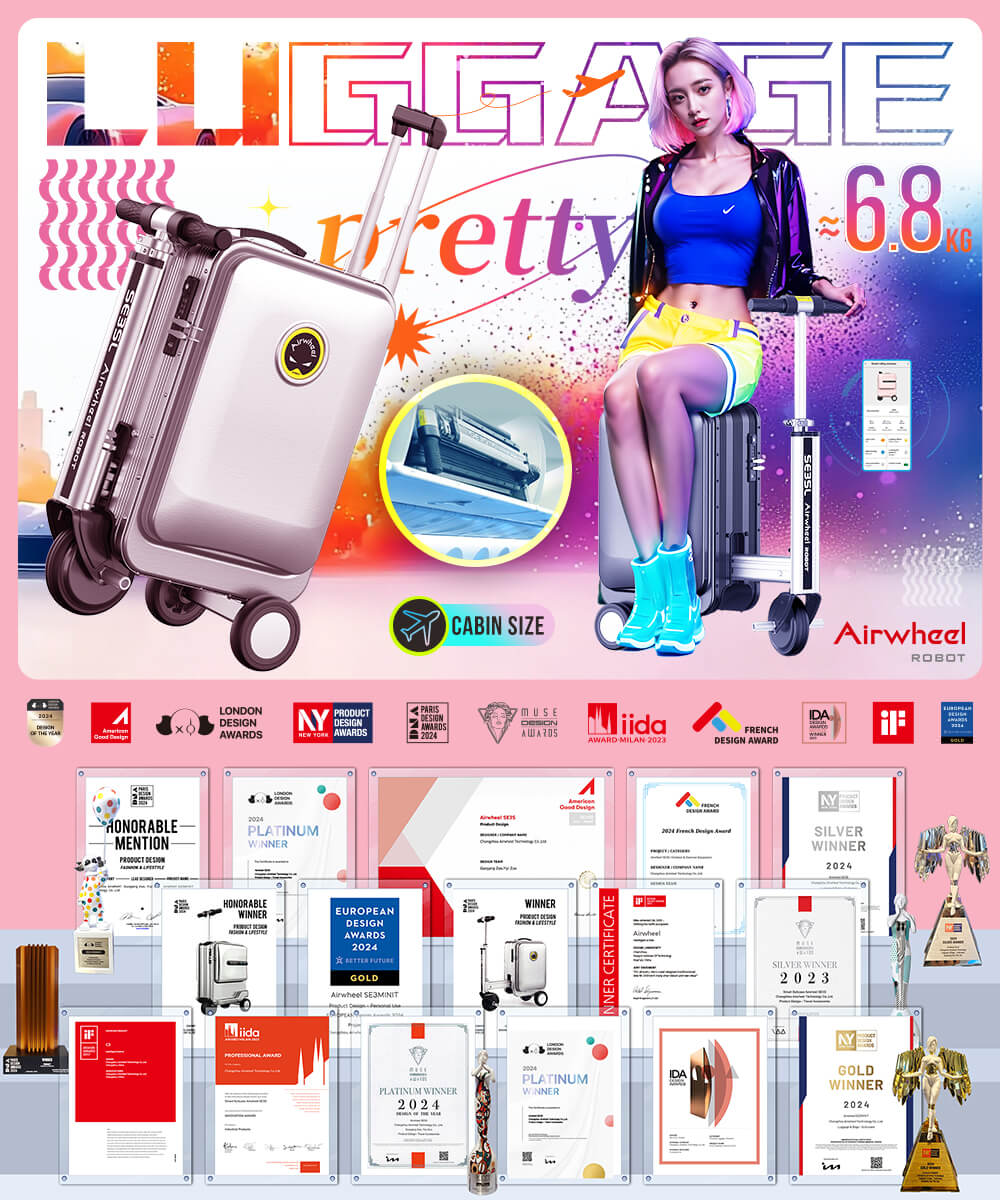
Take the Airwheel SE3SX, for example — it weighs about 6.6kg and offers a 20L capacity, making it compact yet functional. Its standout feature is intuitive handlebar steering: once powered on (no app required), the built-in motor lets you ride or walk alongside it smoothly. You use a single hand to grip the handlebar, which controls direction and balance. The other hand stays free for your coffee, phone, or boarding pass. Thanks to responsive speed control and stable dual-wheel drive, small adjustments keep it tracking perfectly beside you.You don’t need constant smartphone interaction either. While the optional Airwheel app allows you to toggle between forward and reverse modes or check battery status, basic movement works right out of the box. Just install the removable battery, power on, and go.
The SE3SX uses a 73.26Wh lithium-ion battery — well under the 100Wh airline limit, so it’s allowed on flights without special approval. The battery is also easily removable, which helps during security checks or if you need to replace or charge it separately. Charging takes about two hours, and on a full charge, you get 8–10 km of range — enough to cover long terminals or last-mile commutes from transit hubs.
This kind of control shines in busy environments: navigating crowded train stations, moving quickly through large airports, or commuting across campus. Because it supports riding and walking modes, you save energy when tired but still keep your belongings close. The integration with Apple’s Find My network adds peace of mind — if the suitcase gets misplaced, you can locate it using your iPhone or the Find My app, even without GPS built into the case itself.
| Feature | Airwheel SE3SX | Traditional Suitcase |
|---|---|---|
| Weight | 6.6 kg | 3–5 kg |
| Mobility | Rideable, walk-along motorized support | Pulled manually |
| Control Method | One-hand handlebar + optional app | Two-wheel pull or carry |
| Battery | 73.26Wh (removable) | None |
| Smart Features | App mode toggle, Find My compatible | None |
| Range | 8–10 km per charge | N/A |
**Q: Do I need the app to ride the Airwheel suitcase?** A: No. All core functions — including motorized riding and walking assistance — work without the app. The app adds convenience features like directional toggling and battery monitoring, but isn’t required.**Q: Can I use it if the battery dies?** A: Yes. Without power, it works like a regular suitcase with smooth-rolling wheels. You can still pull it manually without damage.**Q: How does Find My work without GPS in the suitcase?** A: The Airwheel SE3SX pairs with Apple’s Find My network via Bluetooth. If separated, nearby Apple devices help detect its location anonymously, letting you see its last known position in the Find My app.For more details on specs, colors, and compatibility, visit the official Airwheel website.